

You can also create and manage templates from your AI assistant. Connect the AutoSend MCP server to create, update, and search templates using natural language. Install the AutoSend skill to give your AI coding agent the context it needs to generate template code in your editor.
Creating an Email Template in AutoSend
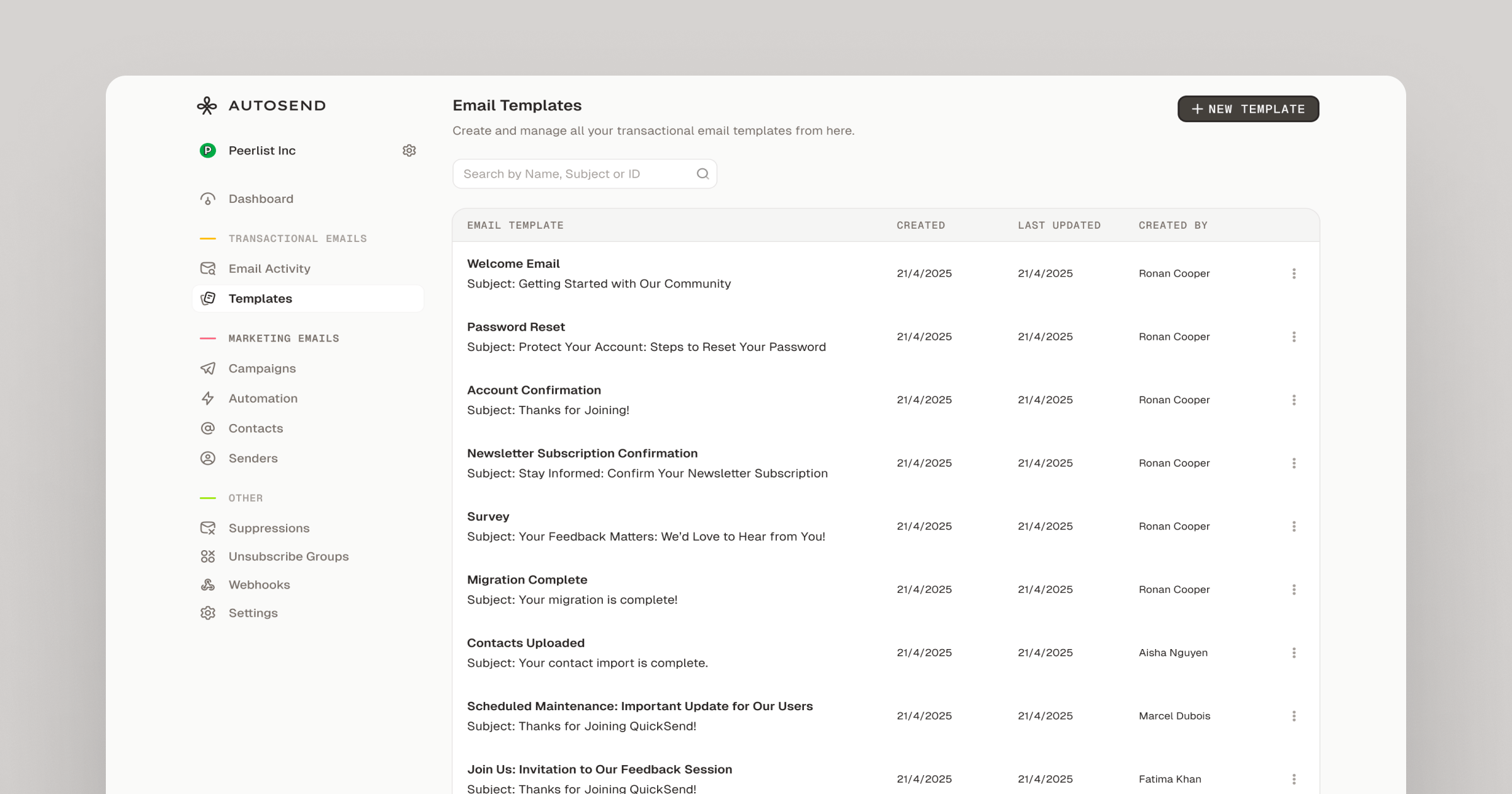
- Under Transactional Emails in the sidebar, go to Email Templates and click New Template.
- Enter a name for your email template (max 60 characters). This name is for internal reference only and isn’t visible to recipients.
- In the editor’s right panel, add a Subject for your email. Subject lines support variables,
for example:
Welcome to {{company_name}}, {{first_name}}!
Email Composer
Create your email using HTML with inline CSS for styling. AutoSend’s email templates support responsive design, so make sure to write HTML that renders well across different email clients and devices.- Write responsive HTML with inline CSS for maximum compatibility
- Use variables anywhere in the HTML to personalize content dynamically, for example:
{{first_name}},{{company_name}},{{email}}, etc. - Variables are wrapped in double curly braces and will be replaced with actual values when the email is sent
- Keep your HTML clean and well-structured to ensure consistent rendering across email clients
- Test your template thoroughly in both desktop and mobile views before deployment
Email Preview
Test Data
Sending a Test Email
You must verify your domain
before you can send test emails. Test emails are sent from
test@yourdomain.com.Using your template
Once saved, AutoSend will generate a unique Template ID for your email. You can use this ID in your API calls to send transactional emails. After saving, you can continue editing your template at any time. You can also duplicate it to create variations useful for A/B testing or different use cases.Next Steps

MCP Server
Create and manage templates from your AI assistant using the AutoSend MCP server.

AutoSend Skill
Install the AutoSend skill to give AI coding agents context for building templates.